Budgeting tools that actually do something.
No fluff, no paywalled features. Everything you need to manage your money, on iPhone, Android, and the web.
01/Financial picture
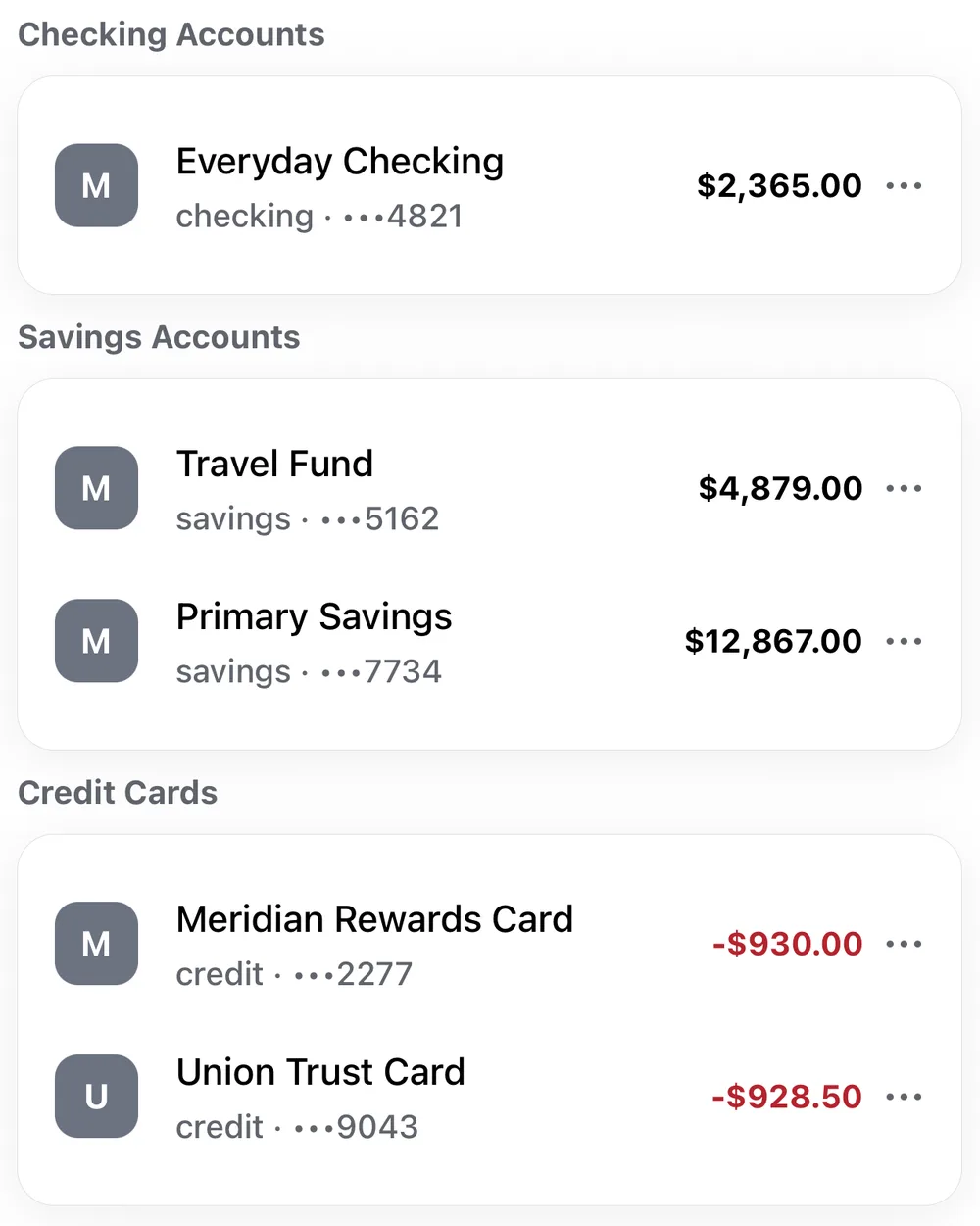
See everything. Miss nothing.
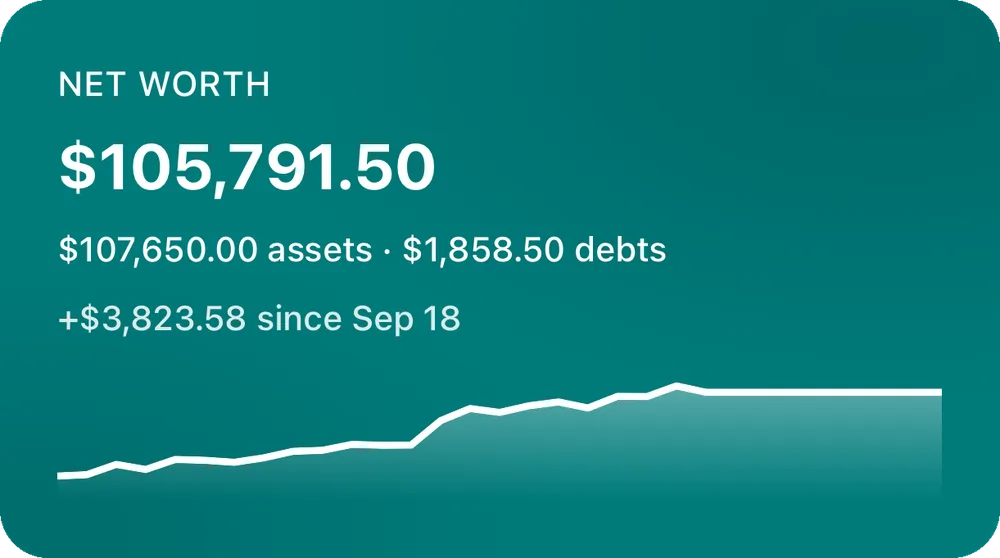
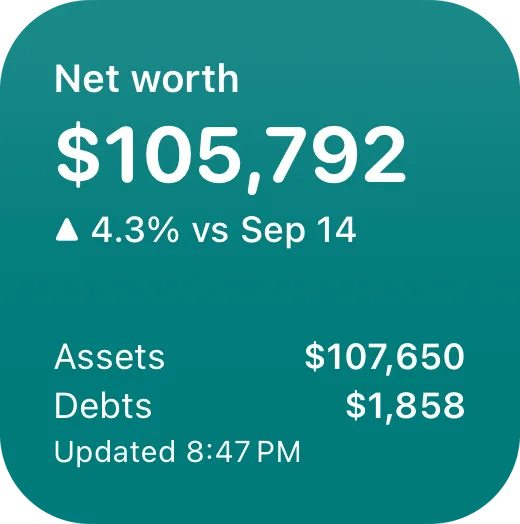
Kove connects to over 12,000 financial institutions through Plaid and puts every account in one place. Everything updates automatically and adds up into your net worth.
02/Budgeting
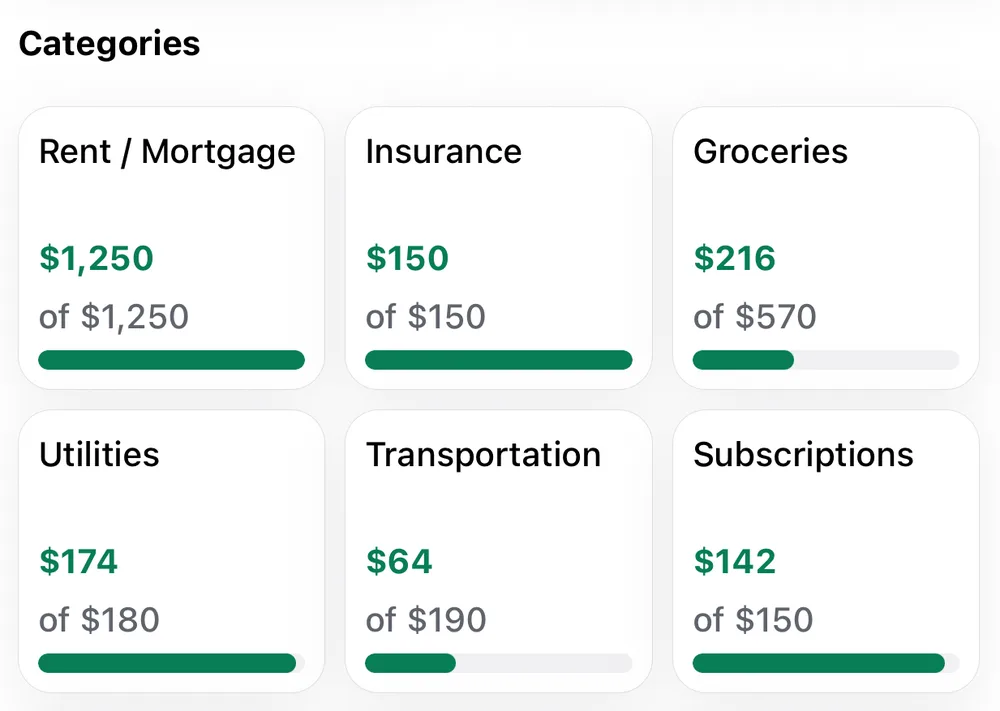
Smarter budgeting, less guesswork.
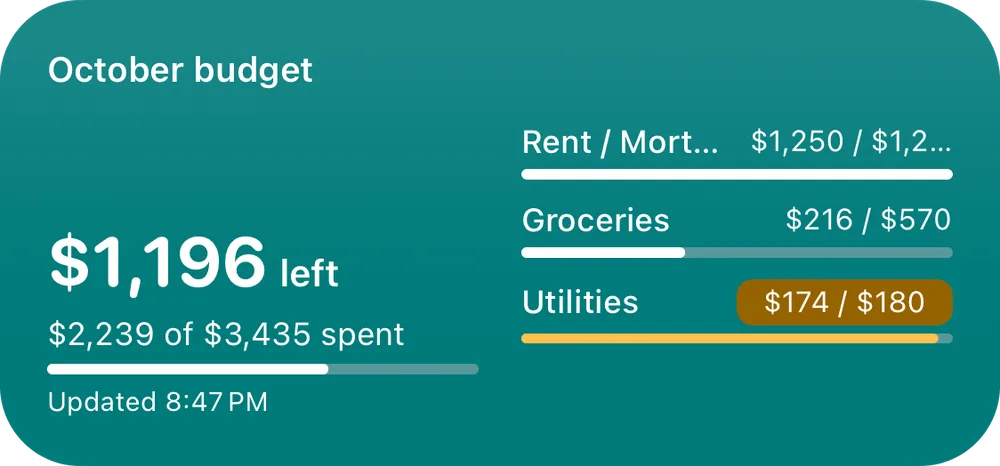
Kove categorizes your transactions automatically and tracks budgets in real time, with no manual sorting and no spreadsheets. Anything it can't sort is flagged for a quick review.

03/Visualize
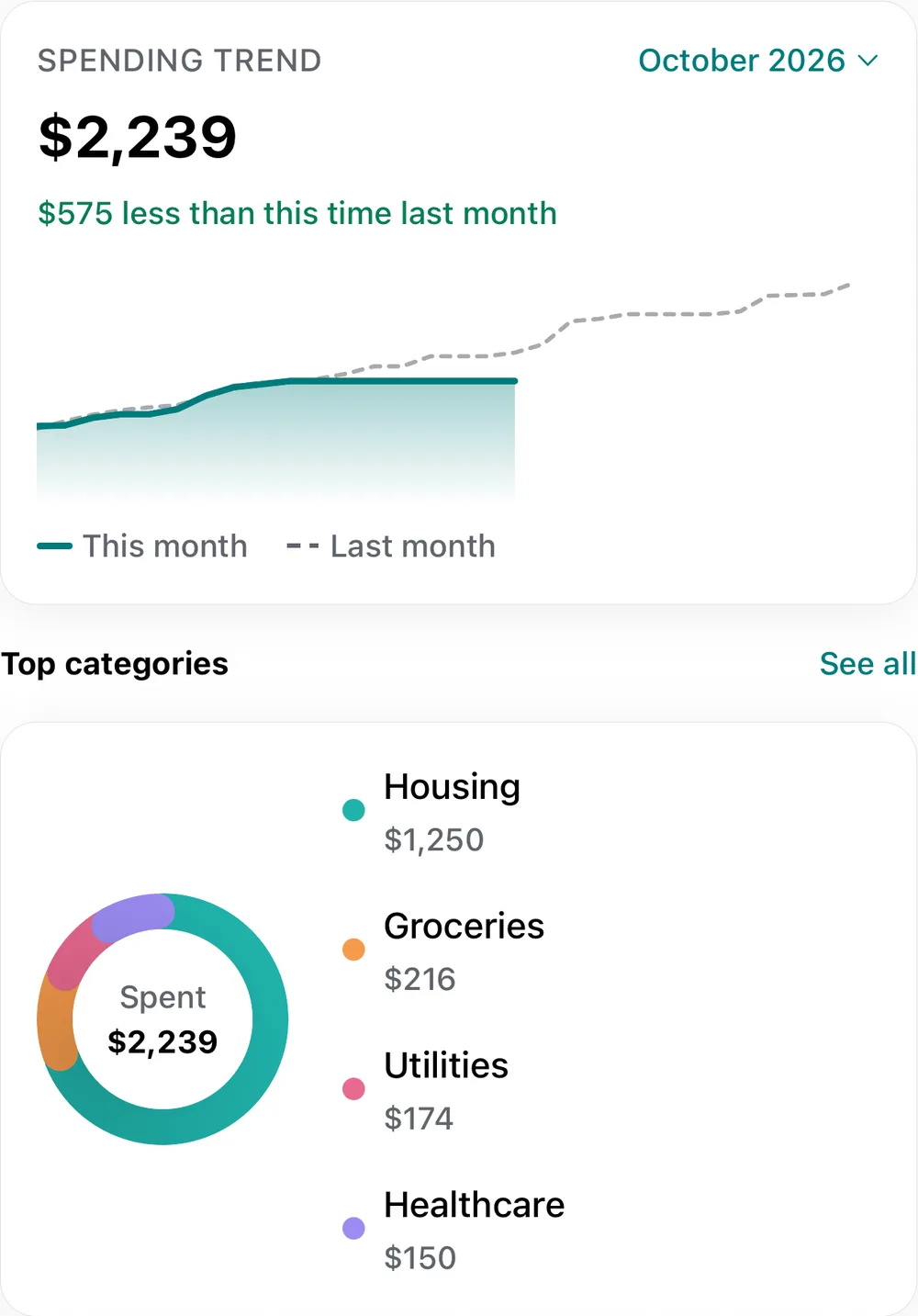
Make sense of your money at a glance.
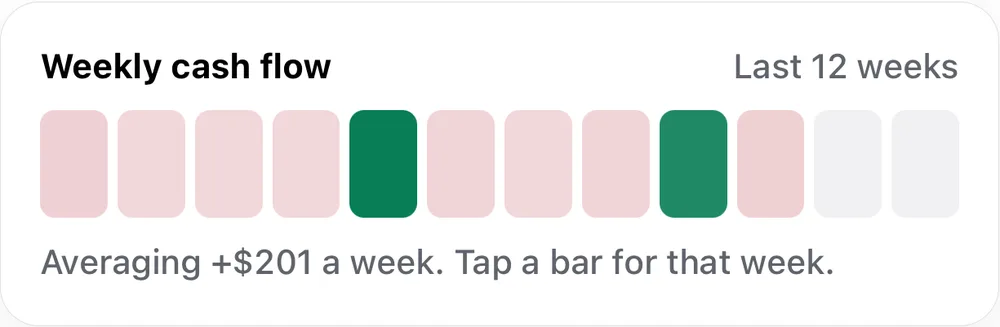
Clean charts show your spending trends at a glance, and Insights points out your weekly cash flow, unusual spending, and recurring charges.
All features included in every plan. Starting at $5.15/mo.
Just $1.99/mo for students.
All taxes included in prices shown.
04/Investments and retirement
Track where your money is going to work.
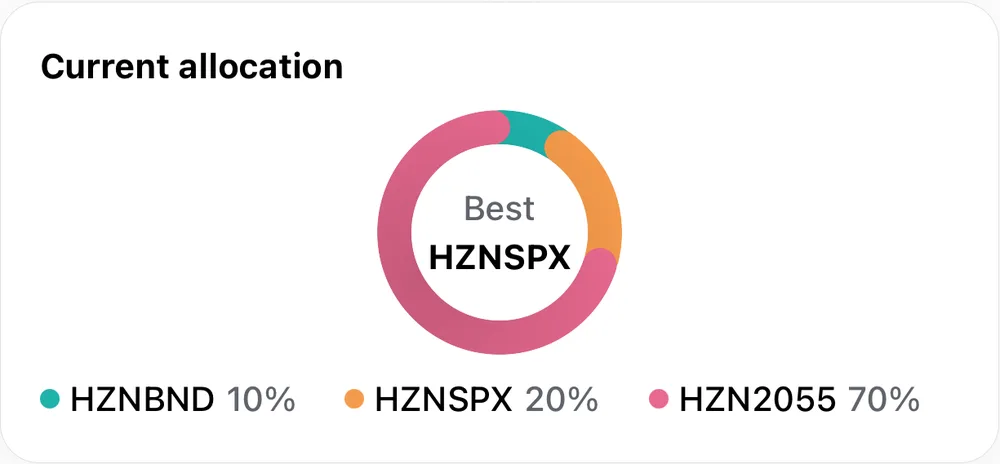
Kove pulls your investment accounts in alongside everyday finances. See your allocation, gain or loss, and return, and plan for retirement around a target age and yearly spending.

05/Goals
Save with a target in mind.
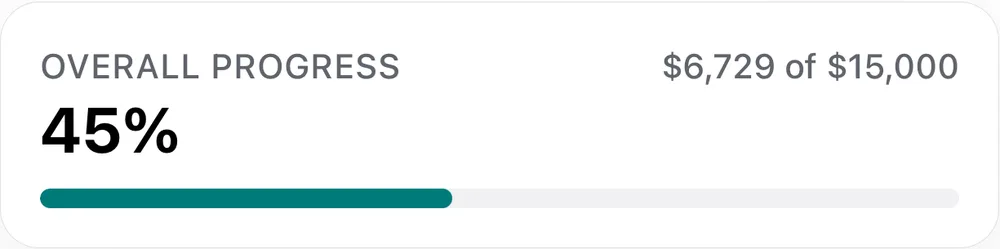
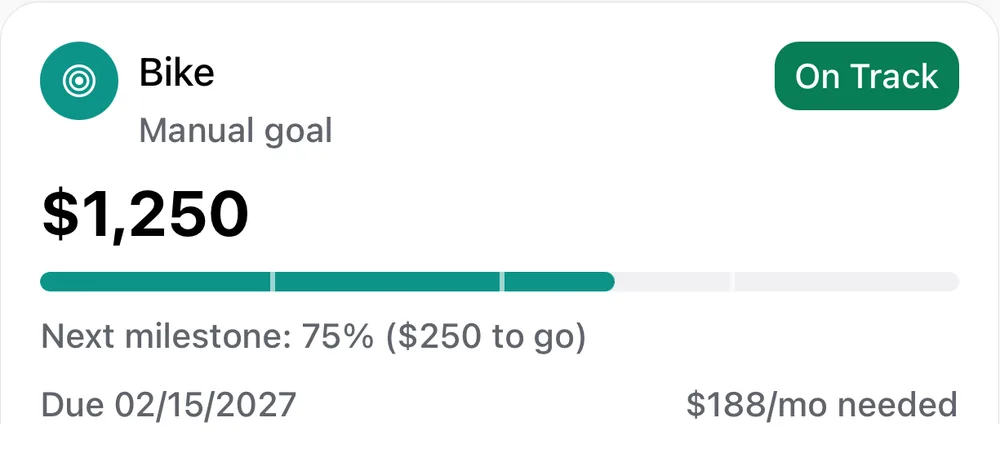
Set a goal with a target amount and date, then watch your progress build. Kove shows what you need each month and tells you when a goal falls behind.
06/Debt payoff
See the fastest way out of debt.
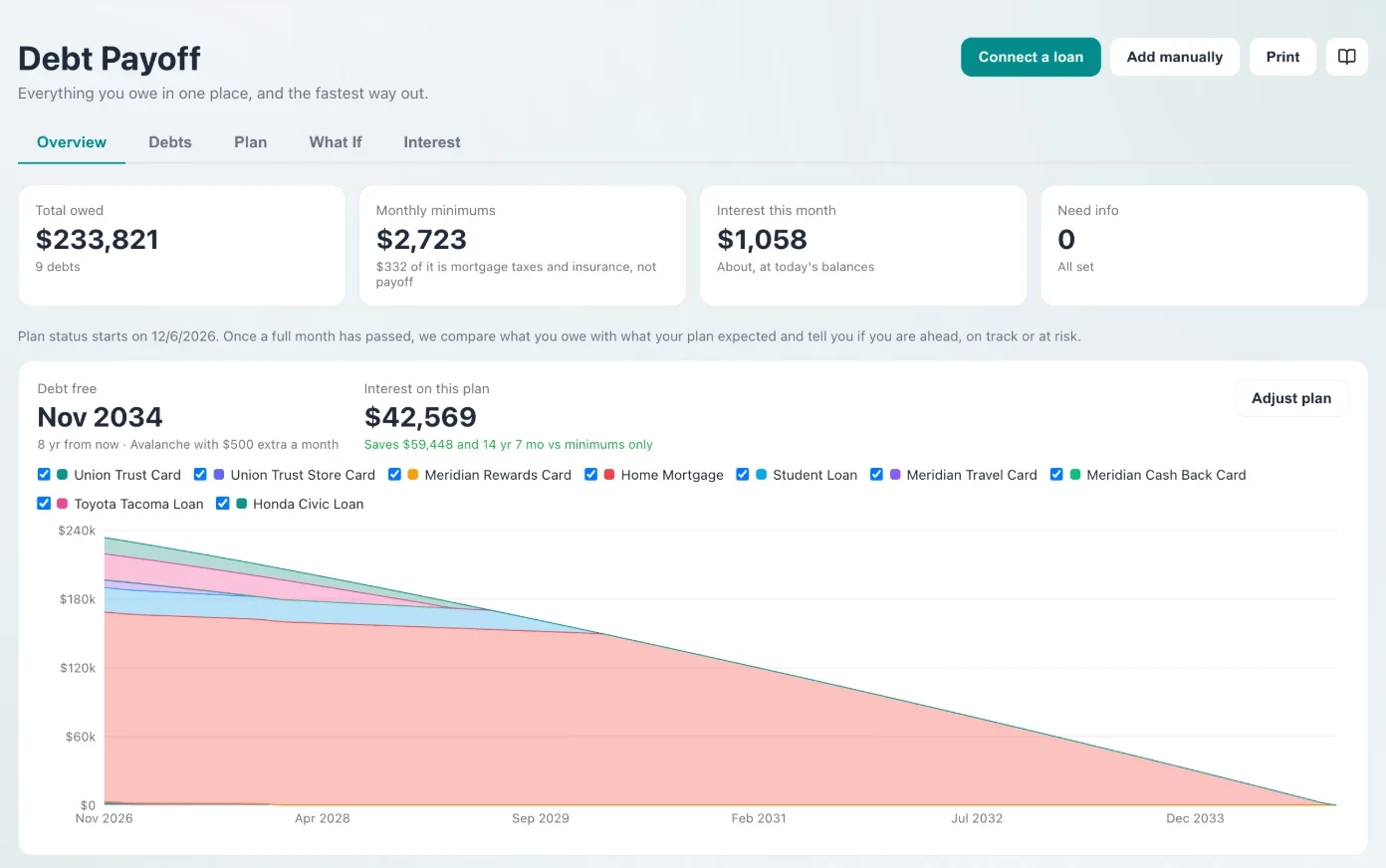
Debt Payoff puts everything you owe in one place and shows the fastest way out with Avalanche, Snowball, or your own custom order. Try What If scenarios, like a tax refund toward one loan, to see the interest and time you'd save. Included in every plan. Built for the web, with a limited view on your phone.
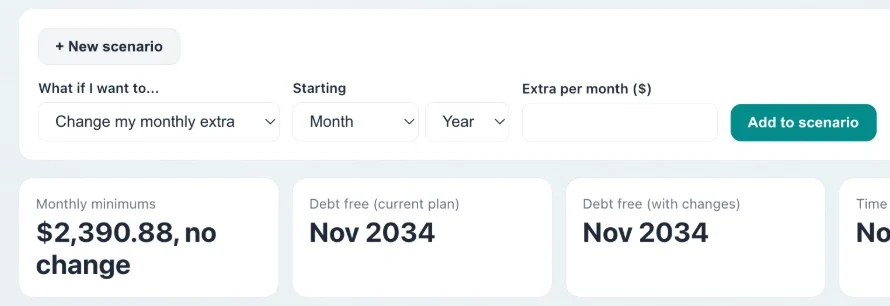
What If scenarios
Stack changes together, like putting a tax refund toward one loan, and save several scenarios to compare side by side. Your real plan is never changed.
Add loans by hand
Connect a loan through Plaid or add it manually. A manual loan doesn't use one of your plan's institutions, so there's nothing extra to pay for.
Print or save a PDF
Take your plan to a financial advisor on paper, or export it as a PDF and send it over.
07/On your phone
Check your money without opening the app.
Widgets put your budget, bills, goals, and net worth on your Home Screen. On iPhone, ask Siri what's left in your budget. On Android, long-press the icon for shortcuts.


Guides: Kove on iPhone · Kove on Android
08/Kove AI
Your personal finance assistant, if you want one.
Kove AI is an optional chat assistant that answers questions about your money, explains financial concepts, and can suggest a starting budget. It can also read a photo or PDF you attach. Everything else in Kove is rule-based. Turn it off anytime in Settings.
How Kove AI handles your data →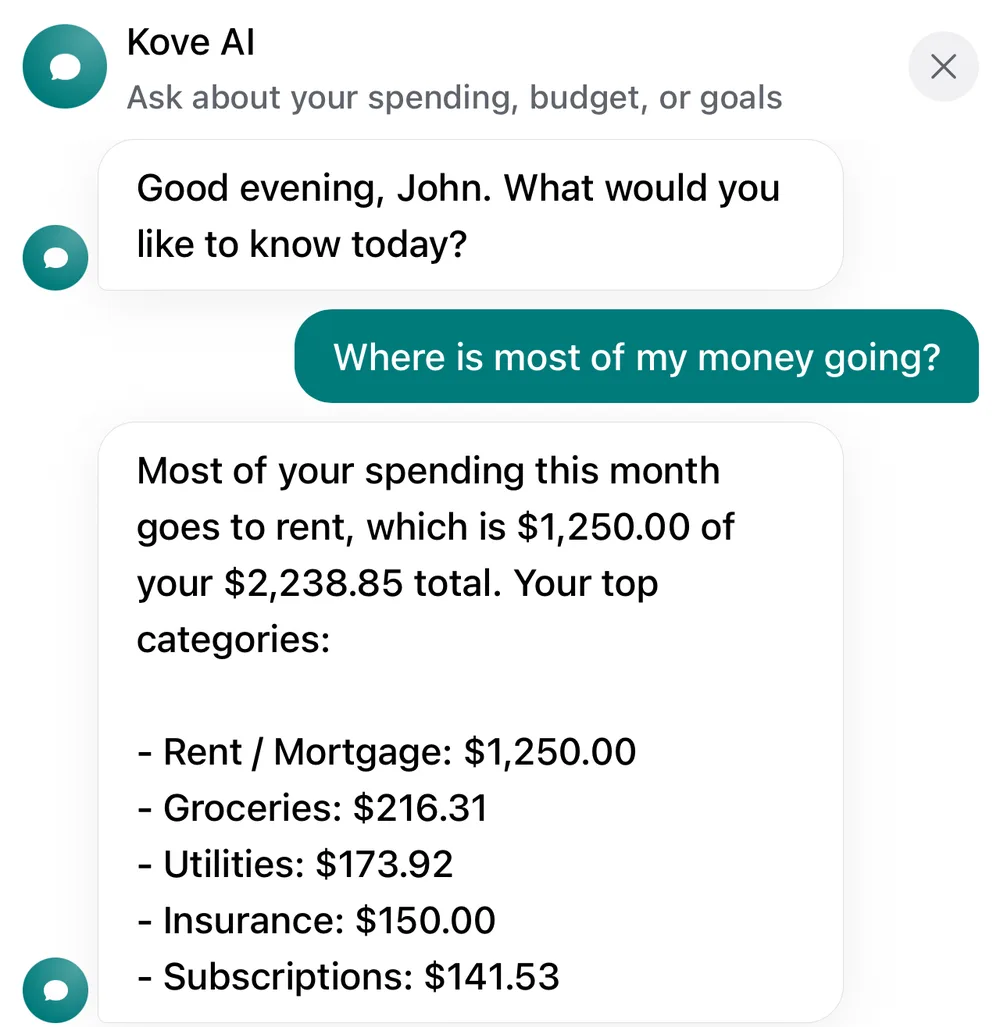

09/Page walkthroughs
Learn any feature, on demand.
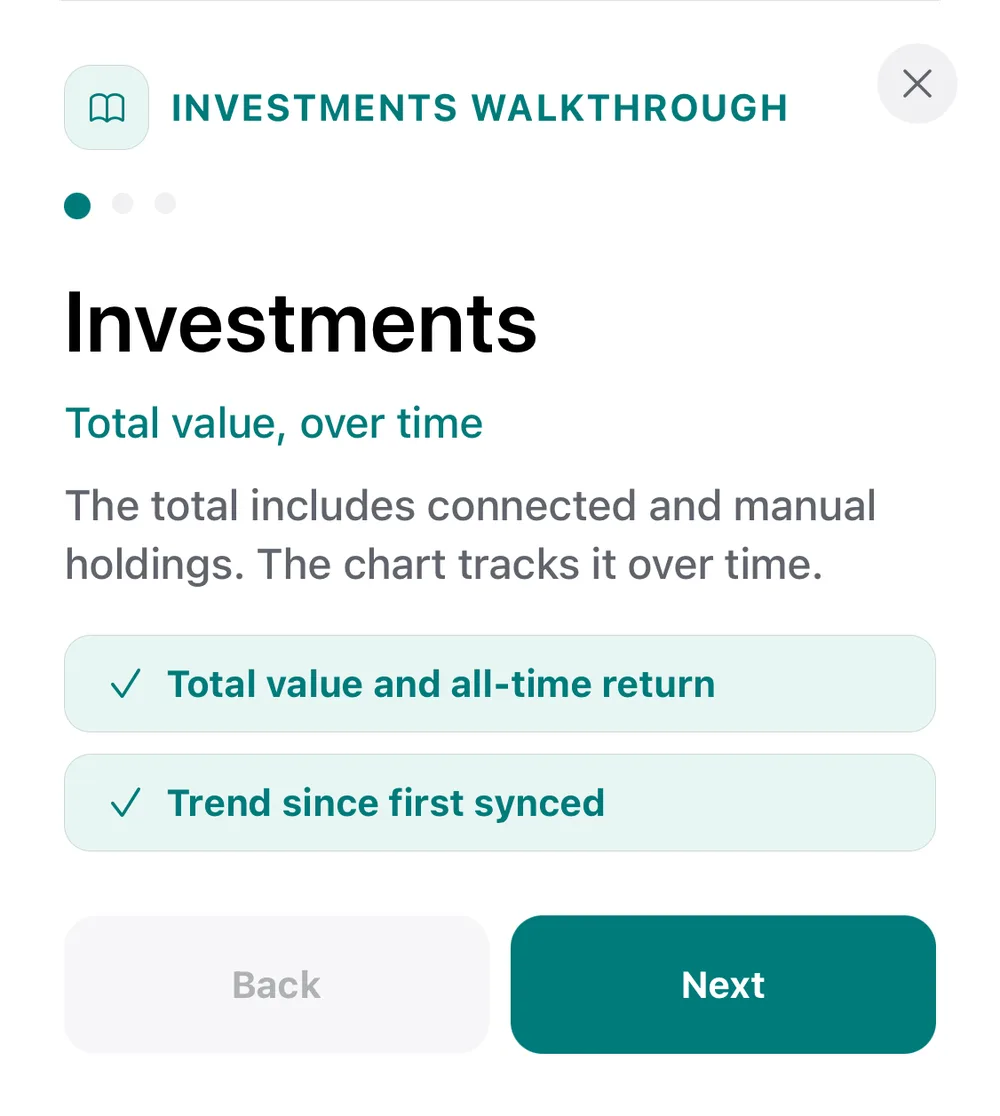
Every page includes a built-in walkthrough explaining what you're looking at and how to use it. It opens on your first visit and stays a tap away after that.
10/Security
Built with your safety in mind.
Kove runs on industry-standard Google Cloud infrastructure, and your banking credentials are handled entirely by Plaid, never by Kove. On your phone, lock Kove with Face ID or your fingerprint.
For the full breakdown, including encryption, access controls, and our breach notification policy, see how we protect your data.
Every feature, in every plan.
No paywalled features, no premium tier. Try it free for 7 days.